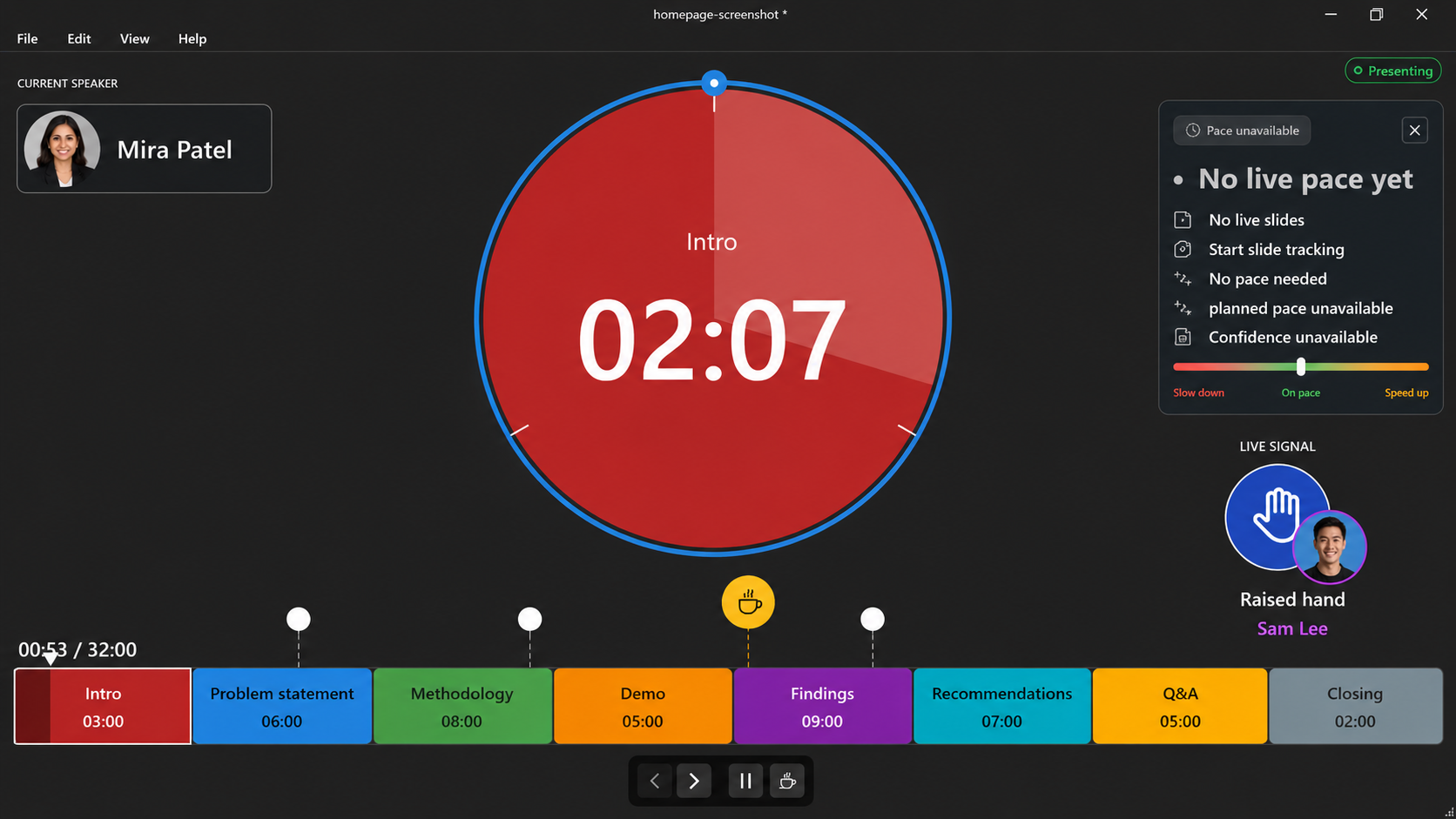
Presentation timing for Windows

Timerinator

Timerinator /tur-muh-nay-ter/ noun. A Windows timing apparatus that stalks runaway agendas, locks onto PowerPoint decks, and says, in effect, “your session will be back.”

What it does

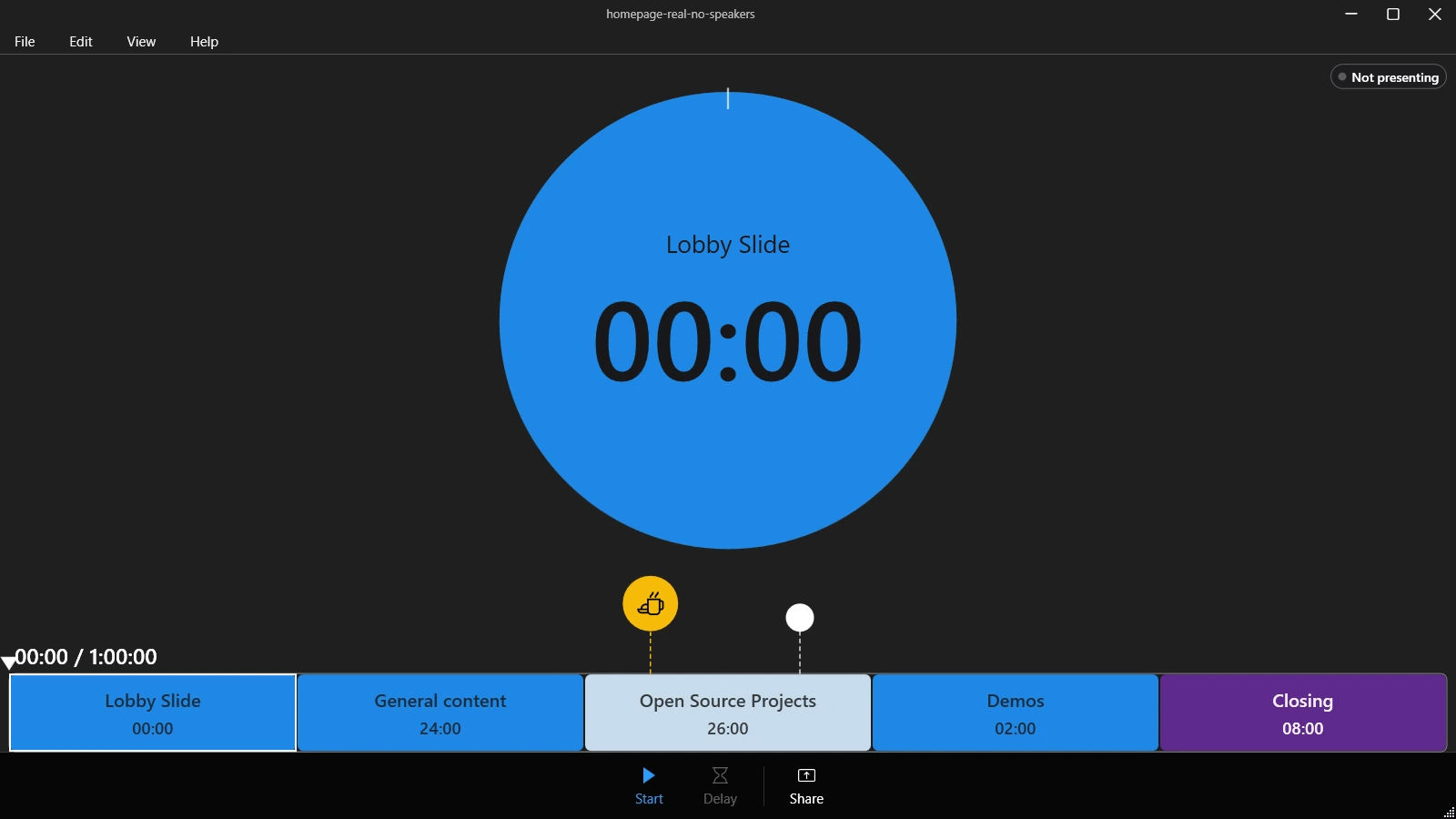
  • Build a timing plan Create sections, demos, breaks, delayed starts, and total available time for the full session.
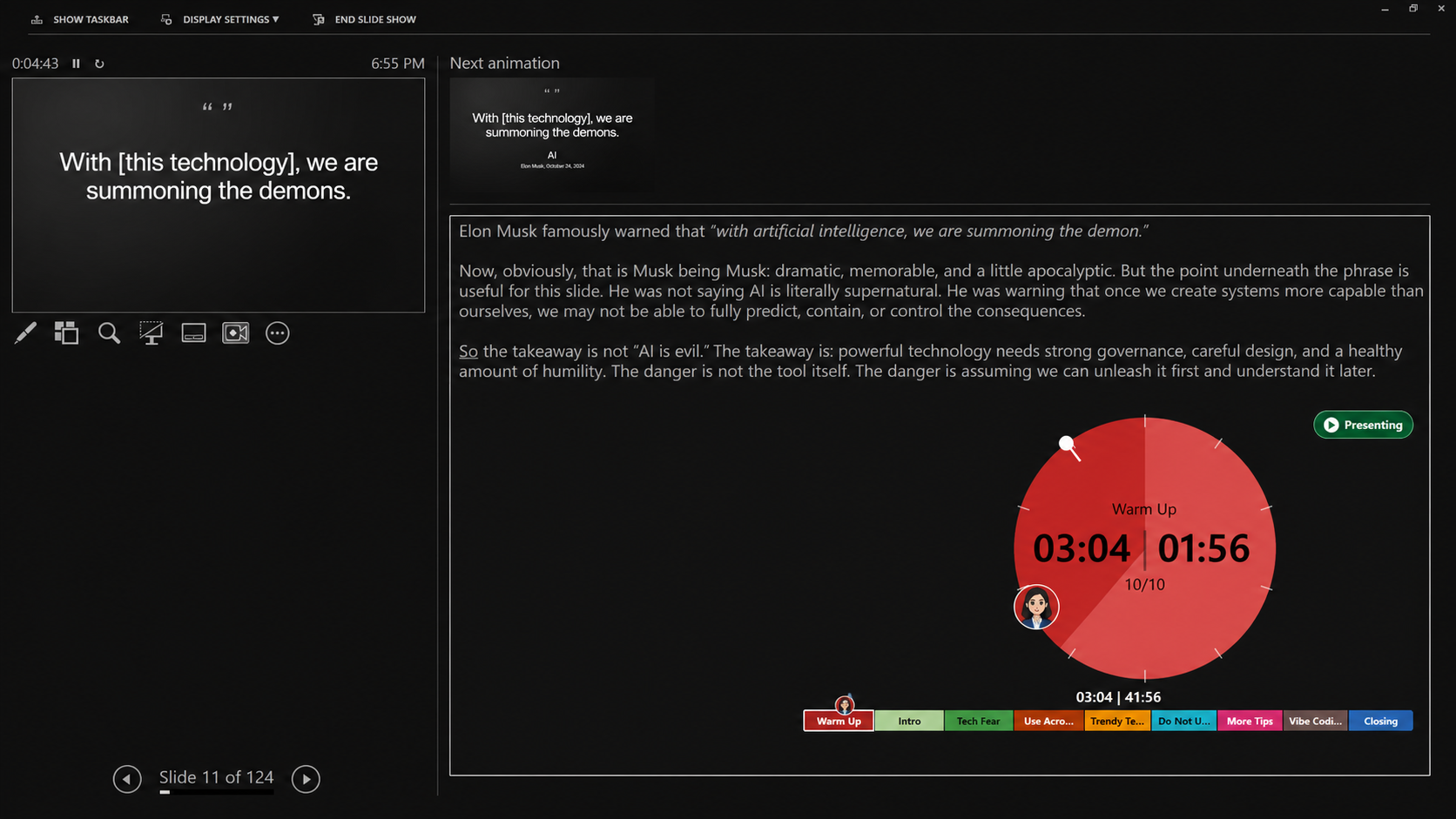
  • Import PowerPoint structure Read sections, visible slide counts, section colors, and timing notes from the active deck.
  • Annotate the run Use speaker notes for speaker changes, slide callouts, slide maximum times, demo sections, and section durations.
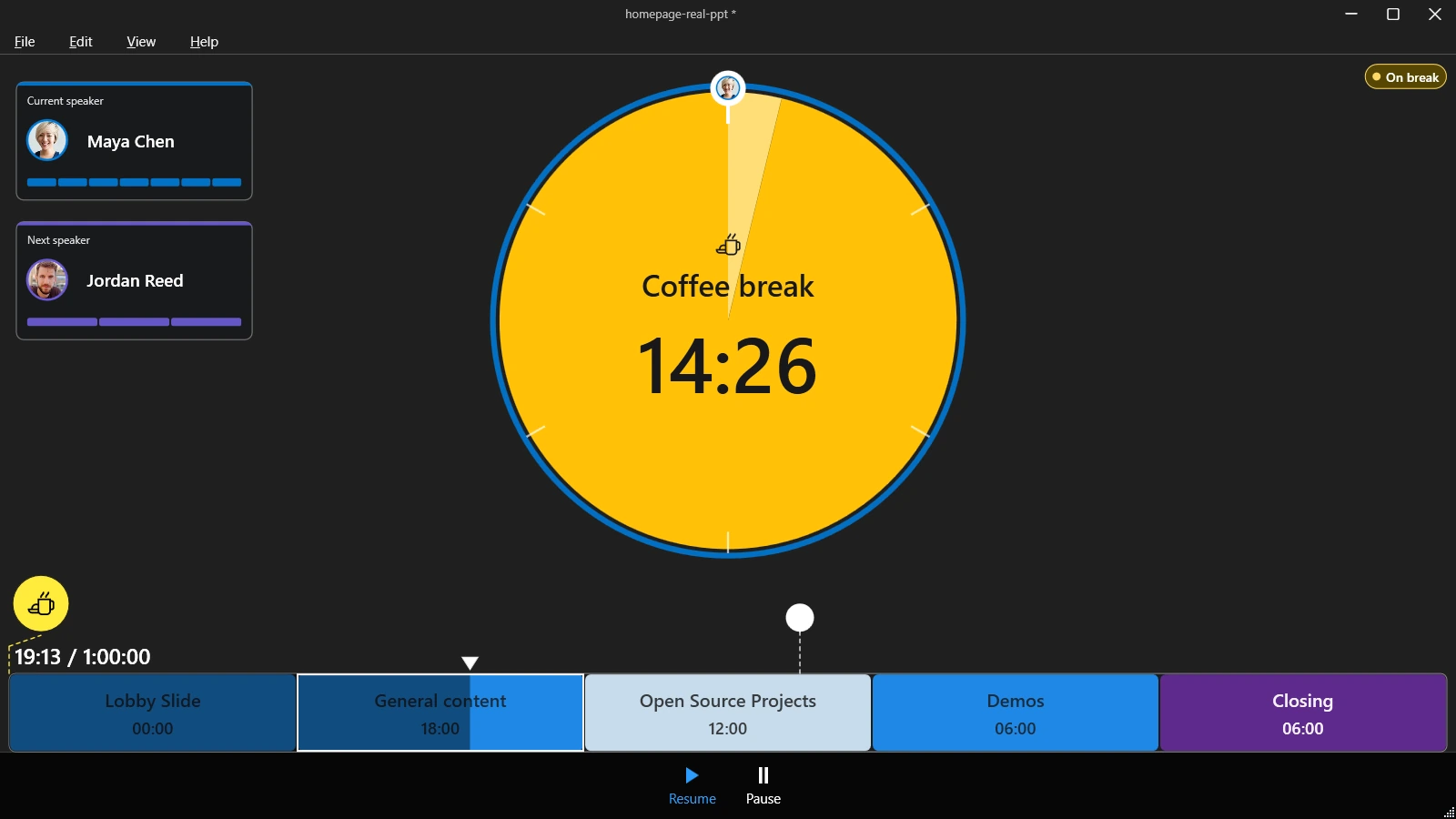
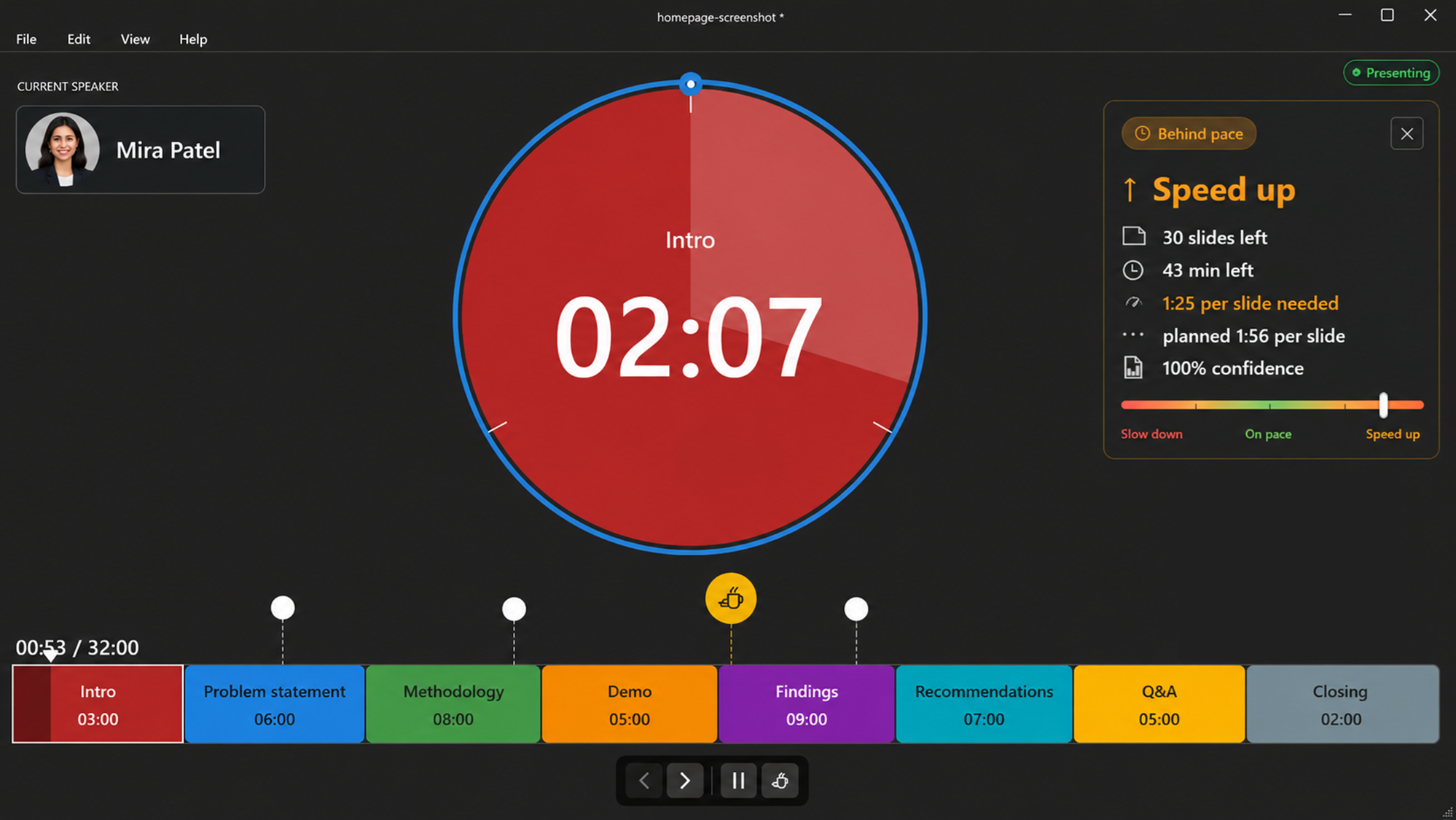
  • Coordinate co-presenters Share participant or speaker links, receive presenter signals, and let the active speaker move slides.
  • Present with live context Show timer and speaker overlays, current and next speakers, callouts, break status, and slide-level limits.
  • Reuse and refine Save local Timerinator files, remember speakers, and rebalance future plans from timing history.

Get started

  1. Download the latest Windows installer.
  2. Run the Timerinator app on the computer presenting the deck.
  3. Open or create a timing plan, then start the timer to present.