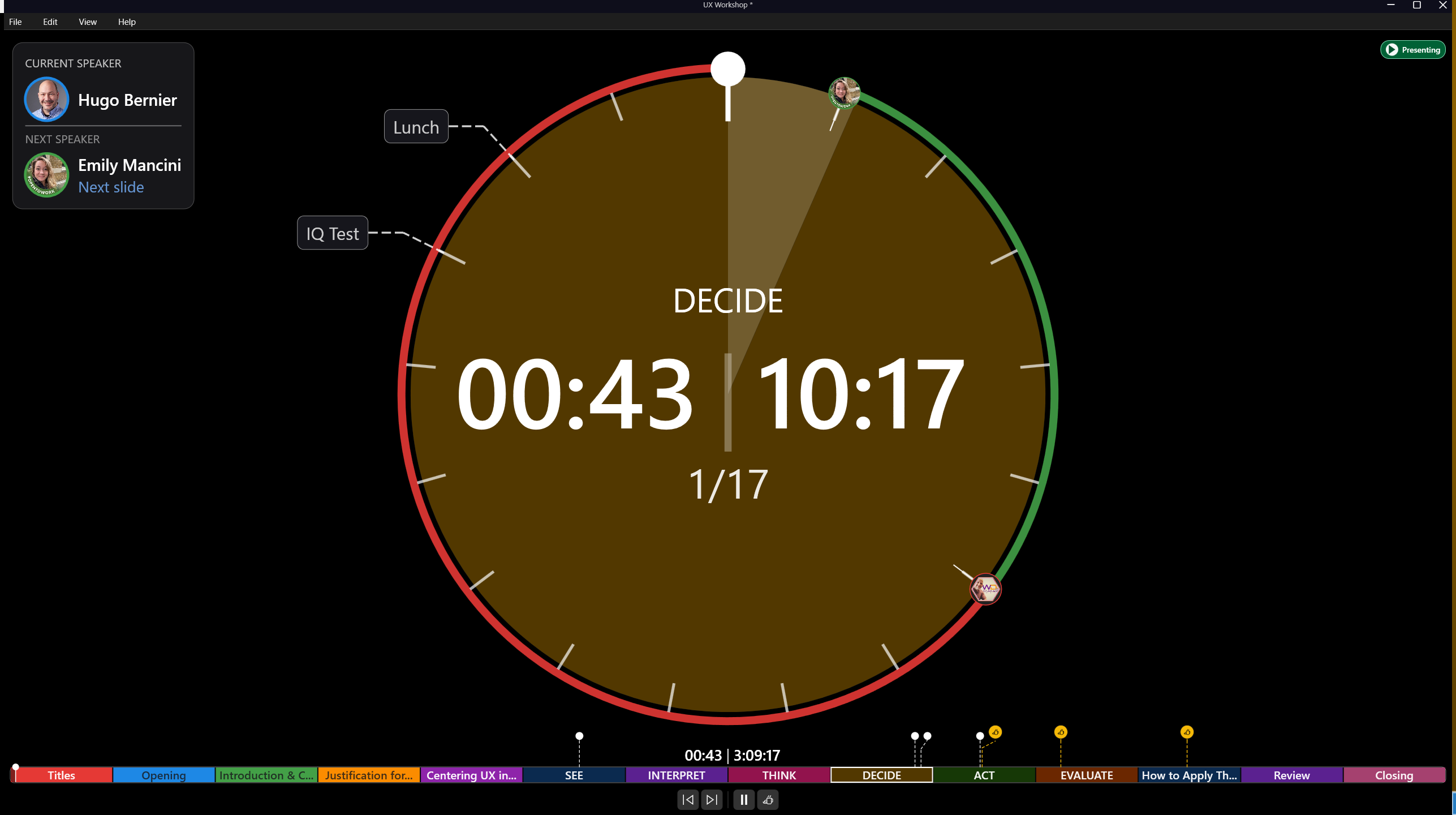
How to use
Conduct a workshop
Use sections, demos, and breaks to keep long sessions moving without losing your place in the deck.
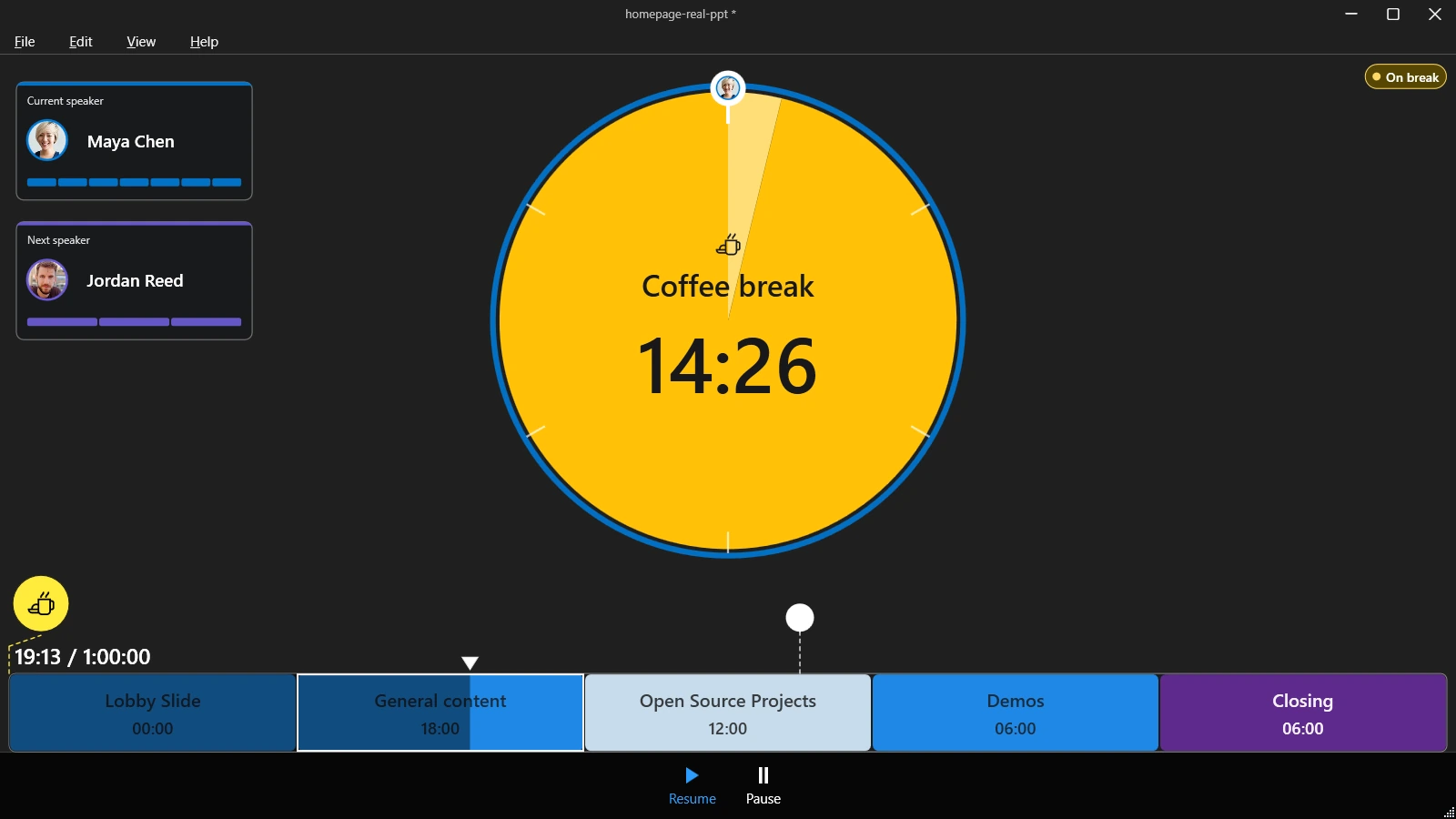
Divide the workshop
Use sections for modules, exercises, demos, and wrap-up time. Demo sections work well for activities that are timed but not tied to slide count.
Add timed demos
Use demo sections for live exercises, coding, product walkthroughs, or other blocks where progress is not tied to individual slides.
Add breaks
Add breaks to your presentation and assign a slide to display during each break. Hidden PowerPoint slides are supported.
Show the break slide
When the break starts, Timerinator shows the assigned slide during the break and keeps the break timer visible.
Resume where you left off
When the break ends, Timerinator resumes the presentation at the slide you were on before the break.
Schedule the restart
For a firm restart time, schedule the break resume so the timer counts down to the moment the presentation should continue.