How to use
Co-present with speaker links
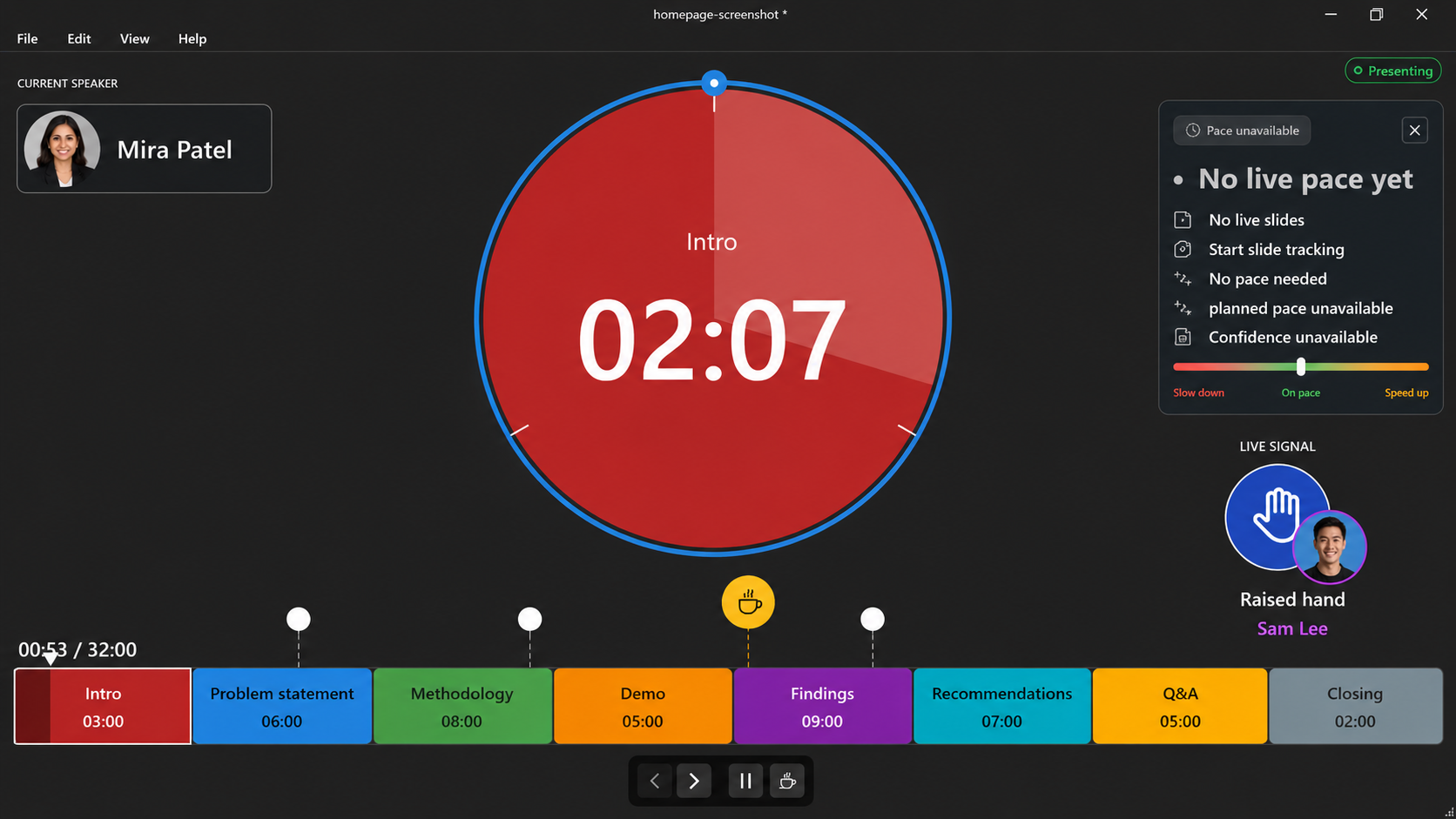
Use named speaker links so every presenter sees the timer, sends useful signals, and can control slides when it is their turn.
Add the speakers
Add each presenter with their name, initials, color, and optional avatar. Timerinator uses that identity in the timer, share links, speaker displays, and signals.
Mark speaker changes
For a PowerPoint timer, add
SPEAKER:tags in the notes where each presenter begins. Timerinator uses those tags to identify the current and next speaker.Start sharing
Choose File > Sharing in Timerinator and start the shared session. For details, see share a timer.
Send each person the right link
Send viewers the general participant link. Send each co-presenter their own speaker link so their name, initials, and permissions are correct.
Use presenter signals
Co-presenters can raise a hand, ask to pause, ask for a break, or ask the active presenter to speed up or slow down.
Hand off slide control
When a co-presenter is the current speaker, their timer can show previous and next slide controls. Those controls move PowerPoint on the host computer.