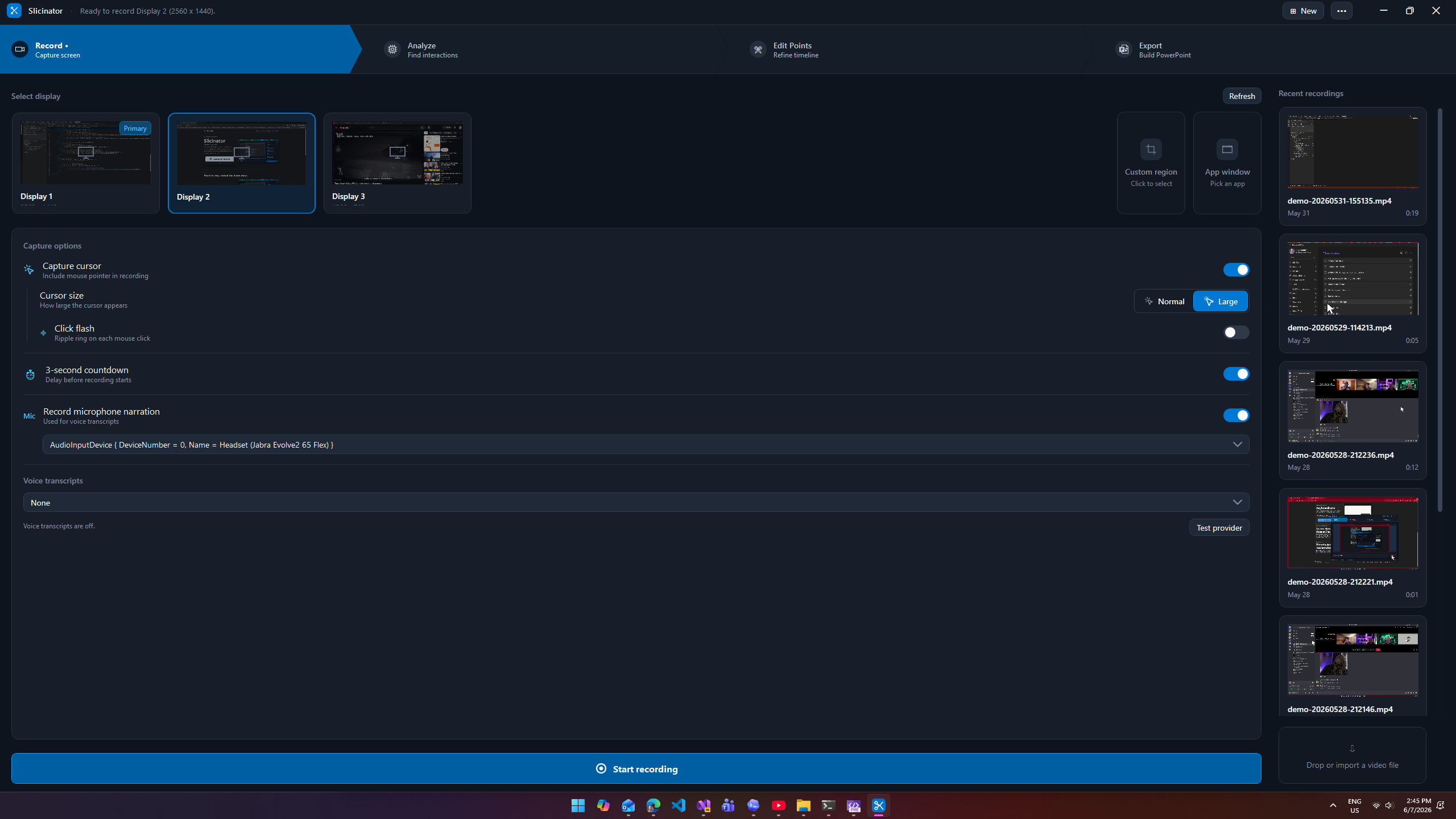
Record the real flow
Capture the screen while you walk through a product, a site, or a workflow. Slicinator keeps the recording and gives you a timeline built around what actually happened.
Demo recording to PowerPoint slides
/sly-sin-ay-ter/ noun.
A Windows demo prep tool that records your screen, finds the interaction points, and turns the useful moments into PowerPoint slides you can present at your own pace.
You have no control over conference wifi, AI, and hosted services. Record your demo, if only to have a backup when things go wrong.
Features
Capture the screen while you walk through a product, a site, or a workflow. Slicinator keeps the recording and gives you a timeline built around what actually happened.
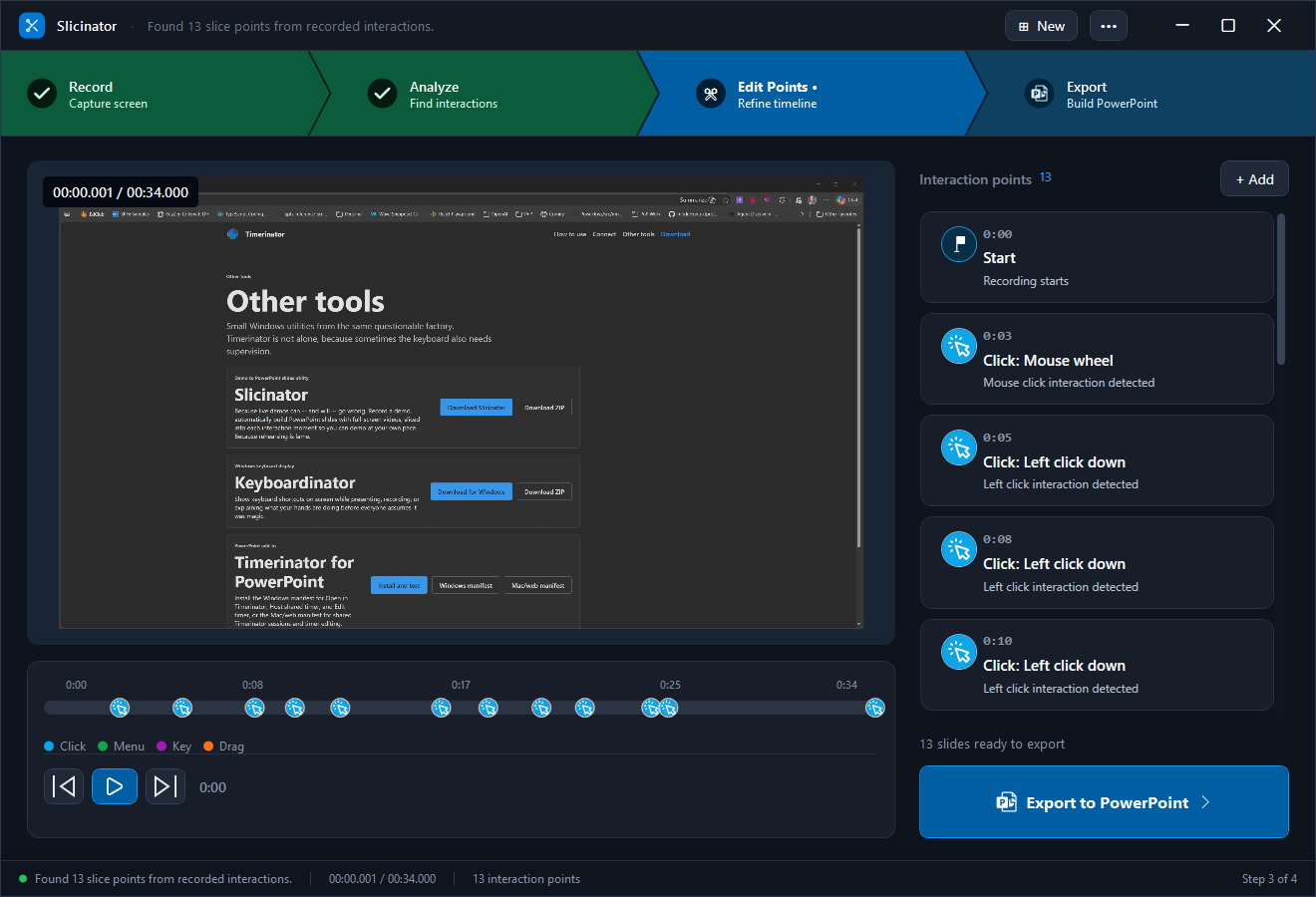
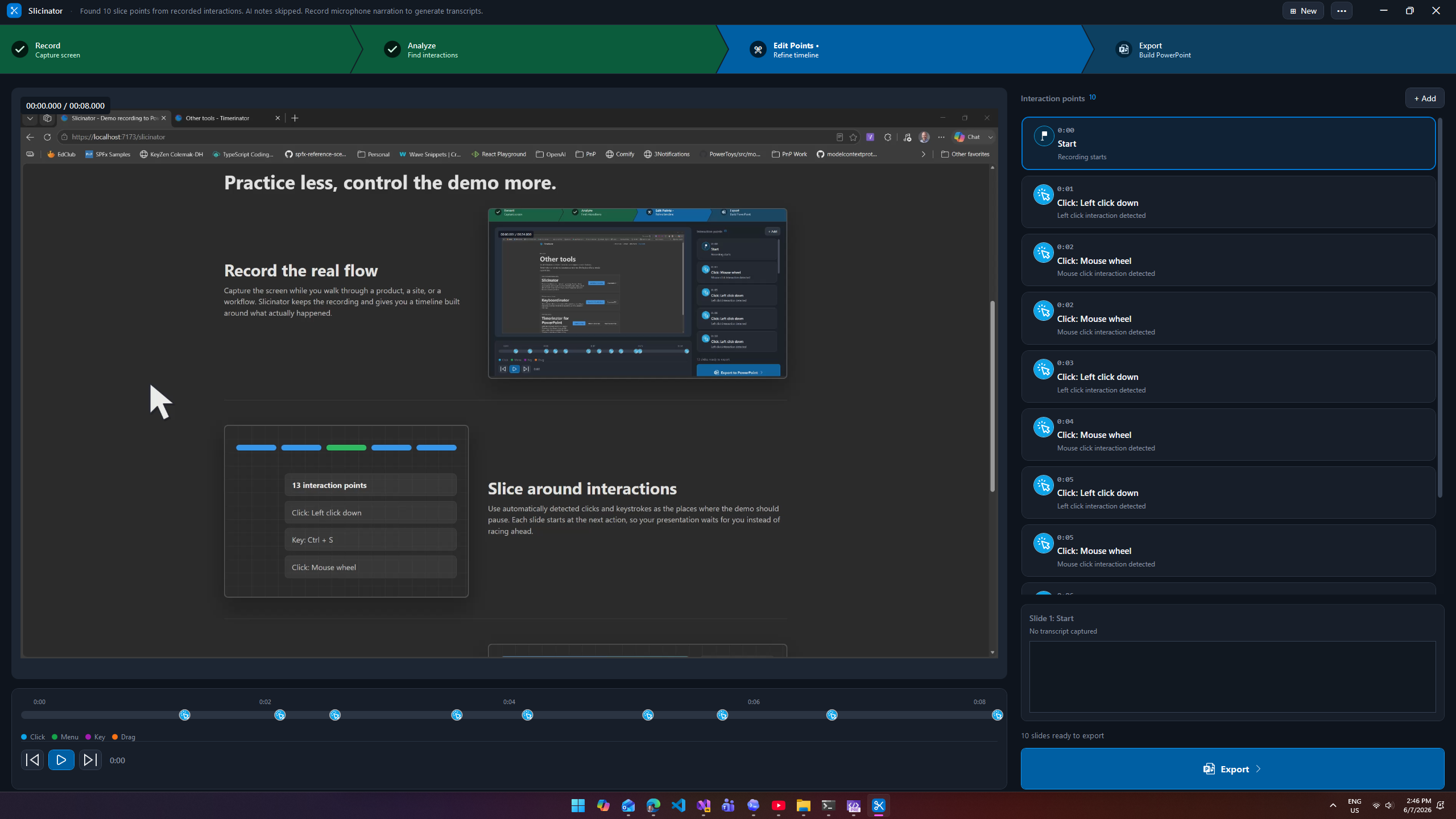
Use automatically detected clicks and keystrokes as the places where the demo should pause. Each slide starts at the next action, so your presentation waits for you instead of racing ahead.
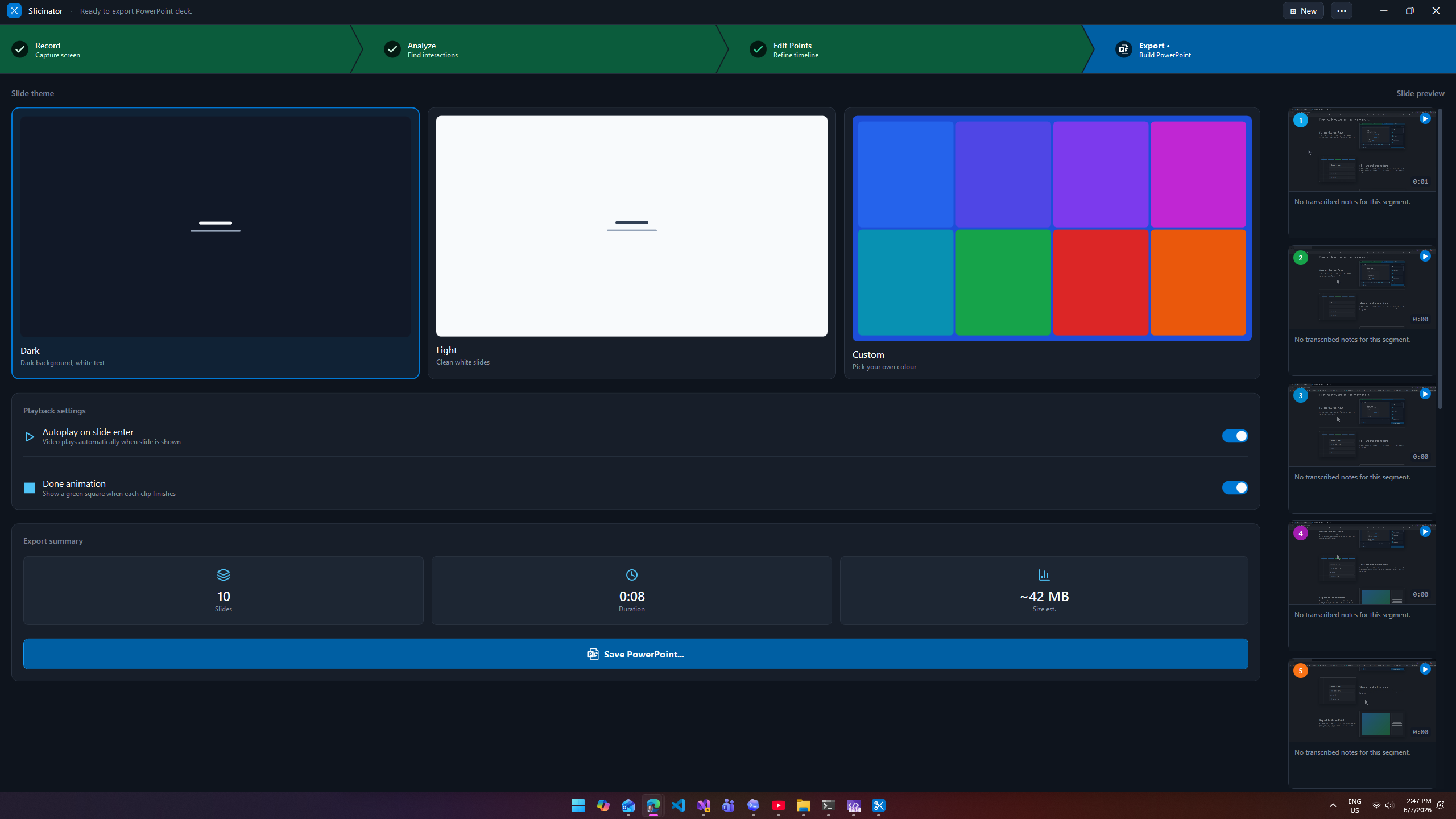
Build a deck with one auto-playing video per slide. Add transcript-based speaker notes with your own AI key, then present the demo like it behaved perfectly the first time.
Get started
Use the installer for automatic updates, or grab the portable ZIP when you want a folder you can move around yourself.