Show shortcuts clearly
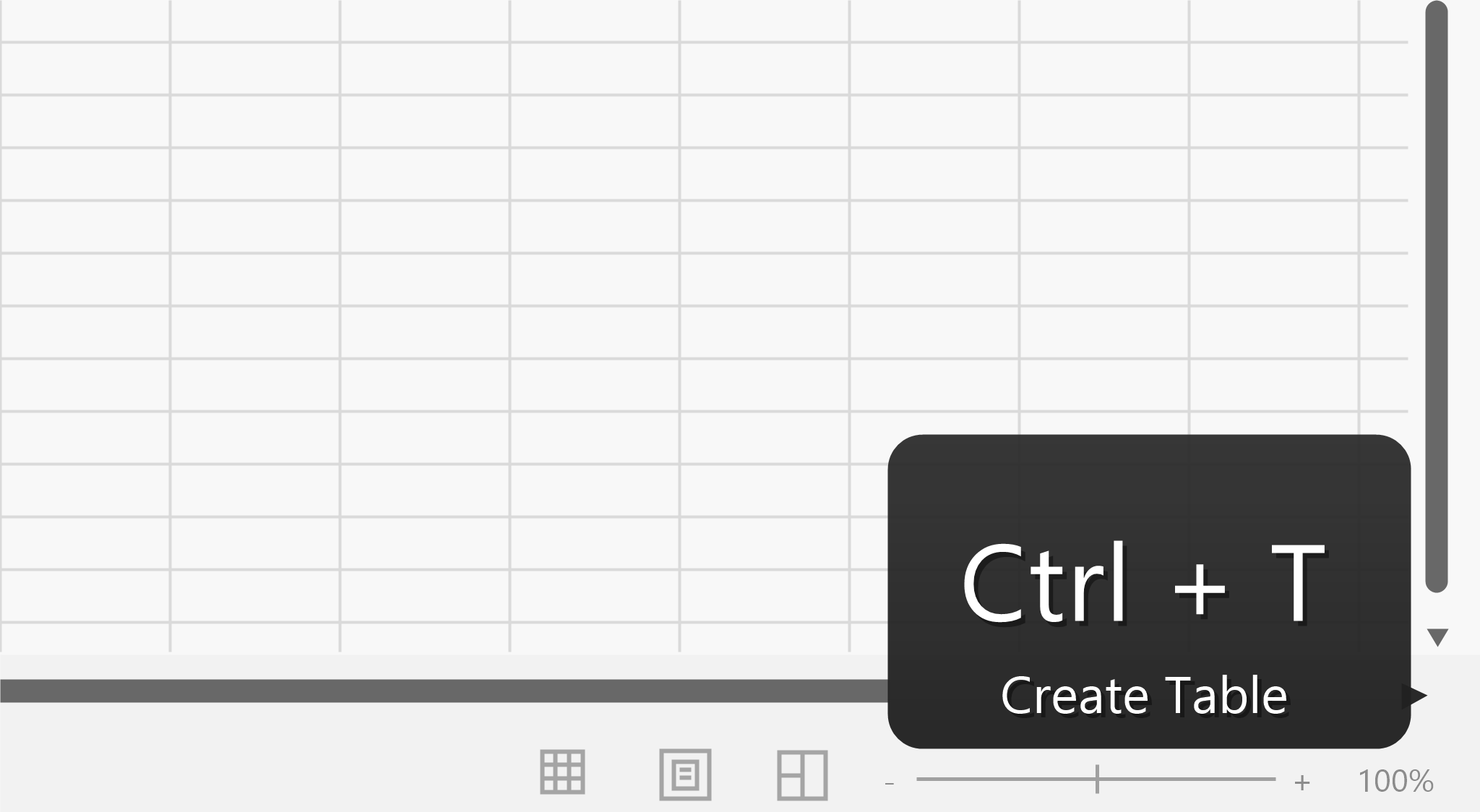
Display key combinations as a large overlay while you present, teach, or record. Viewers see what happened without needing to catch a whispered "Control Shift something" in real time.
Keyboard shortcut display for Windows
/kee-bor-din-ay-ter/ noun.
A Windows utility that shows the shortcut you just pressed, so audiences can follow your hands without you narrating every key like a court stenographer with opinions.
Features
Display key combinations as a large overlay while you present, teach, or record. Viewers see what happened without needing to catch a whispered "Control Shift something" in real time.
The overlay appears when it has something useful to say, then gets out of the presentation. It is visible enough for viewers without becoming the main character.
Make shortcuts visible in live sessions, screen recordings, workshops, and quick demos where keyboard actions are part of the lesson.
Get started
Use the installer for automatic updates, or download the portable ZIP for a self-contained copy.